Work Setup
Backup Internet for Remote Work While Traveling
Layer your connectivity: phone hotspot, secondary carrier, travel router and nearby fallback spaces — and how to check coverage before you go.
Researched from public sources; this does not mean we personally tested the places or services described. Editorial policy
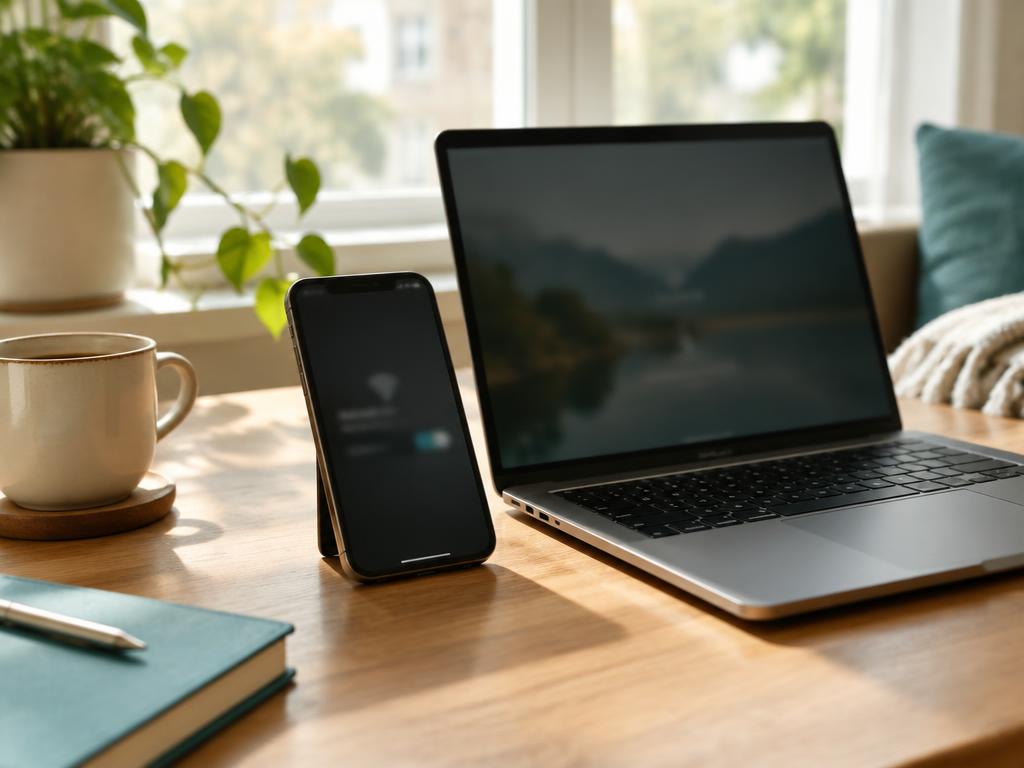
Think in layers
- Primary: the property's Wi-Fi or wired port.
- Backup 1: your phone's hotspot (check plan limits and throttling).
- Backup 2: a second carrier (eSIM or a separate hotspot device).
- Backup 3: a nearby physical fallback — library, coworking, café.
Check coverage before you go
The FCC National Broadband Map shows provider-reported fixed and mobile coverage by address. Provider-reported data can differ from real-world performance, so treat it as a starting point.
Travel router basics
A travel router can connect to hotel Wi-Fi and create your own private network for your devices. Some hotel portals make this tricky; test before your first important call.
Do the bandwidth math for your backup
A backup only counts if it can carry your real workload. Video calls commonly use on the order of a gigabyte per hour, so a fortnight of daily calls can burn through a modest hotspot allowance in the first week. Check your plan's hotspot cap and its post-cap throttled speed — a backup that drops below video quality mid-month is a backup for email only, and that's worth knowing in advance.
Drill the failover once
- On day one, deliberately switch a test call from the hotel Wi-Fi to your hotspot mid-call and time how long it takes.
- Save your fallback locations — library, coworking — in your maps app with their hours.
- Decide in advance which meetings justify relocating versus riding it out; deciding during the outage wastes the minutes you need.
Security on shared networks
Follow your employer's VPN requirements. FTC and CISA publish consumer guidance on public Wi-Fi risks.
Sources & methodology
We use official agencies and organizations for facts, and label examples and evidence types. We have not run independent speed tests or property inspections for this article.
Related reading
Work Setup
How to Check Hotel Wi-Fi Before You Book
The questions, evidence types and red flags for judging a property's internet before booking — plus how to test it in the first ten minutes.
8 min read
Work Setup
Questions to Ask a Hotel About Wi-Fi Speed
Five precise questions that get real answers about hotel Wi-Fi, how much speed video calls actually need, how to read vague replies, and the arrival-day test that protects your booking.
4 min read