Planning
How to Plan a Workation Without Quitting Your Job
A step-by-step plan for a 1–4 week workation: employer approval, timing, lodging, internet backup and a first-day setup routine.
Researched from public sources; this does not mean we personally tested the places or services described. Editorial policy

1. Get written permission first
Many employers have remote-location rules separate from general remote-work policies. Ask your manager and, if needed, HR — in writing — for the dates and the state you plan to work from. Ask whether VPN, device or data-handling rules change while traveling.
- Dates and location approved in writing
- Equipment and VPN rules confirmed
- Any time-zone expectations agreed
- Out-of-office plan for travel days
Use the cross-state employer approval request
2. Choose timing around your calendar
Avoid weeks with launches, reviews or on-site obligations. Travel on a Friday or weekend so the first workday is not also a travel day. Build in a buffer day before any important meeting.
3. Pick the destination with work-first filters
Use time-zone overlap, internet evidence, workspace and car dependence as filters before you look at attractions. Our planner tool applies these rules to the cities we cover.
4. Choose a lodging type
Extended-stay hotels, standard hotels and furnished rentals trade off flexibility, kitchens, cleaning and cancellation terms differently. See our comparison of extended-stay hotels vs. vacation rentals.
5. Verify the workspace and internet
Request a photo of the desk and chair in the room type you're booking. Ask about wired Ethernet, stated speeds and whether Wi-Fi is shared with conference spaces. Plan a cellular backup regardless.
6. Budget the full stay
Total cost = lodging + taxes + fees + food + local transport + coworking + extras. Daily fees multiplied over two weeks are often the biggest surprise.
7. Day-one setup routine
- Run a speed test at the desk and on your hotspot.
- Join a test video call.
- Set up monitor, keyboard and chair height.
- Locate the nearest backup workspace (library, café, coworking).
- Note grocery and pharmacy options.
Sources & methodology
We use official agencies and organizations for facts, and label examples and evidence types. We have not run independent speed tests or property inspections for this article.
Related reading

Budget
How Much Does a Two-Week Workation Cost? A Formula, Not a Guess
Break a 14-night workation into lodging, taxes, fees, food, transport and coworking — with an editable illustrative example and our free calculator.
7 min read
Work Setup
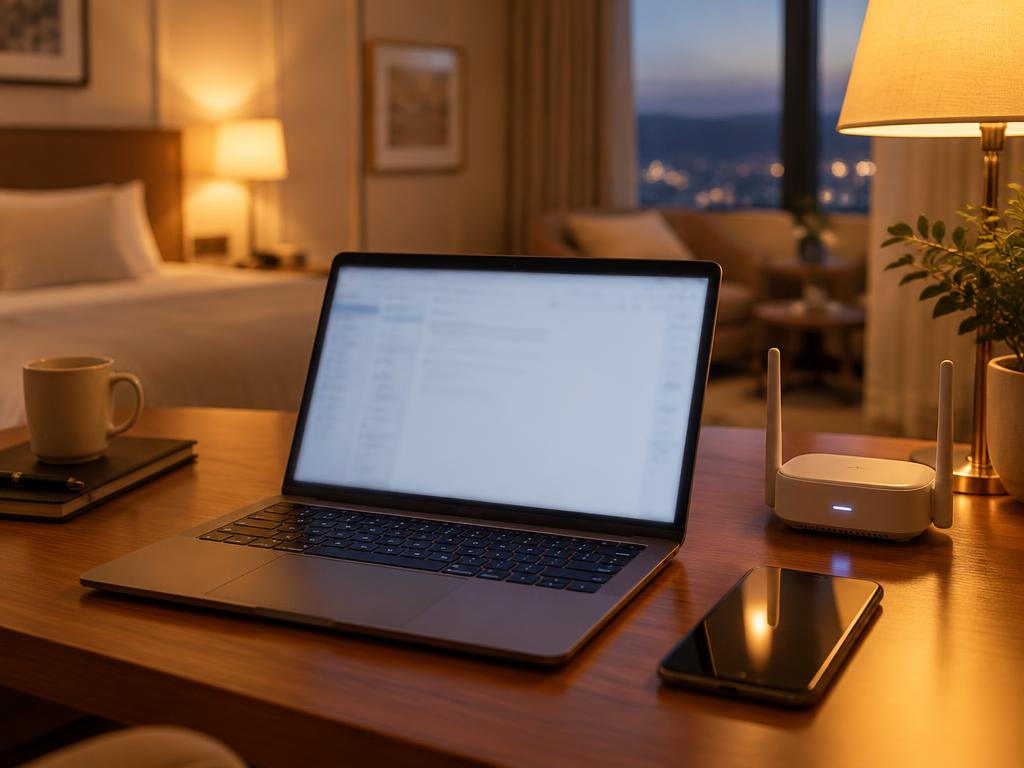
How to Check Hotel Wi-Fi Before You Book
The questions, evidence types and red flags for judging a property's internet before booking — plus how to test it in the first ten minutes.
8 min read
Work Setup
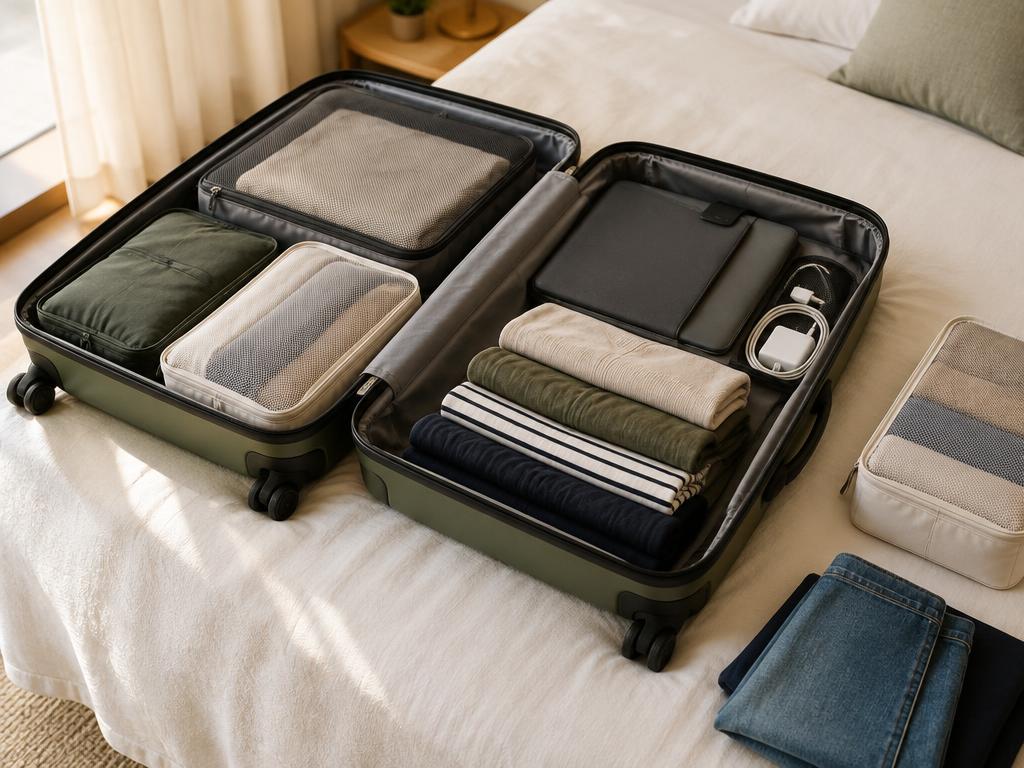
Remote Work Travel Packing List (1–4 Weeks)
A tech-and-comfort packing list for working from a hotel or rental, with battery rules to check and items people forget.
6 min read