Work Setup
Choosing a Portable Monitor for Remote Work Travel
A specification-based guide to picking a travel monitor — size, connection, power, weight, stand — without product rankings we haven't tested.
Researched from public sources; this does not mean we personally tested the places or services described. Editorial policy

Specs that matter
| Spec | What to look for | Why |
|---|---|---|
| Connection | Single USB-C with video (DisplayPort Alt Mode) if your laptop supports it | One cable for power and video |
| Size | Many people pick 14–16 in for bags | Matches laptop footprint |
| Resolution | Match or approach your laptop's scaling | Avoid blurry text |
| Power | Check whether it needs a separate power input | Hotel outlets can be scarce |
| Stand | Integrated kickstand vs. folio cover | Stability on small desks |
| Weight | Compare listed weight with case | Carry-on limits |
The three travel setups, honestly compared
- Laptop only, with a stand and external keyboard: lightest and cheapest, and enough for email-and-documents work; call-heavy and spreadsheet-heavy days suffer.
- Laptop plus portable monitor: the productivity sweet spot for most people — a second screen restores your at-home workflow at the cost of roughly a second laptop's footprint in your bag.
- Laptop plus a tablet you already own: if both support a second-screen mode, this costs nothing to try and doubles as an e-reader after hours; the screen is smaller and the connection fussier than a dedicated monitor.
Questions to answer from any product listing
- Does it draw power over the same USB-C cable as the video signal, or does it need its own power supply?
- What's the real weight including the cover or case — and does that still fit your bag?
- Does the stand hold the screen steady on a shallow hotel desk, or does it need depth you may not have?
- Is the resolution close enough to your laptop's that text looks consistent across both screens?
If you'd rather not carry one
Many hotel TVs accept HDMI and work as an oversized second screen for reference material (not for text you stare at all day). Coworking day passes often include monitor access — if you only need a big screen two days a week, renting the desk can beat carrying the glass.
Confirm laptop compatibility
Not every USB-C port carries video. Check your laptop manufacturer's documentation for DisplayPort Alt Mode or Thunderbolt support.
Sources & methodology
We use official agencies and organizations for facts, and label examples and evidence types. We have not run independent speed tests or property inspections for this article.
This guide is a decision framework built from general planning principles; it makes no location- or property-specific factual claims requiring citation.
Related reading
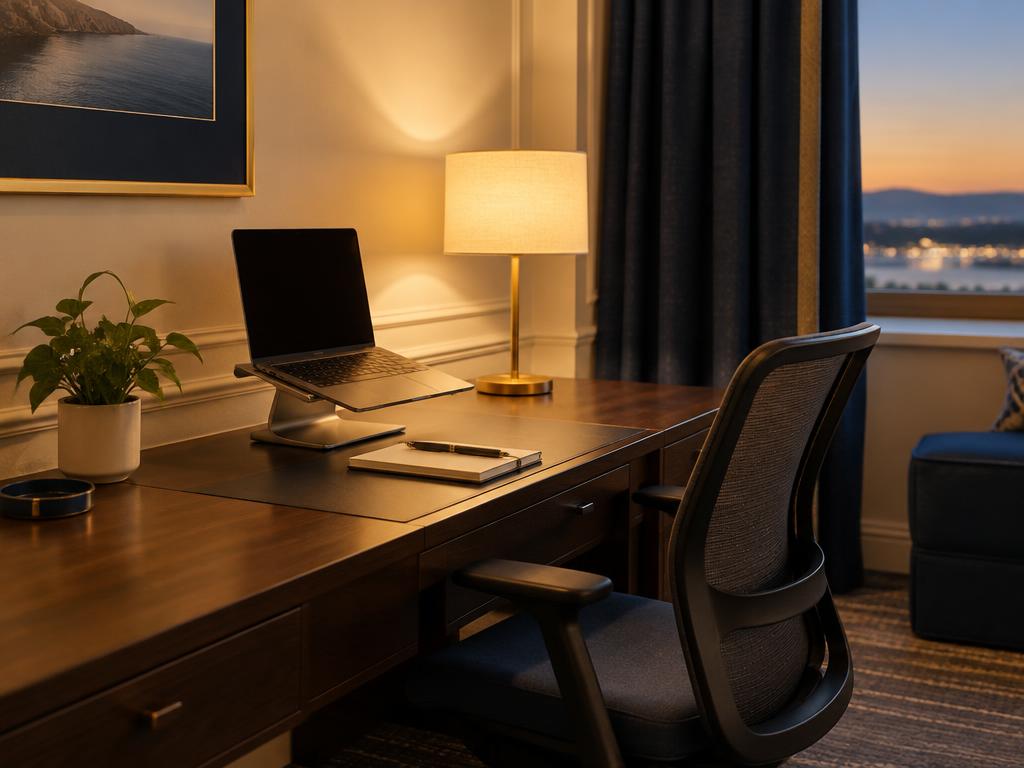
Work Setup
How to Set Up a Temporary Hotel Office
A 30-minute setup routine for an ergonomic, call-ready workspace in a hotel room, using what's there plus a few packable items.
7 min read

Work Setup
Remote Work Travel Packing List (1–4 Weeks)
A tech-and-comfort packing list for working from a hotel or rental, with battery rules to check and items people forget.
6 min read