Work Setup
How to Set Up a Temporary Hotel Office
A 30-minute setup routine for an ergonomic, call-ready workspace in a hotel room, using what's there plus a few packable items.
Researched from public sources; this does not mean we personally tested the places or services described. Editorial policy
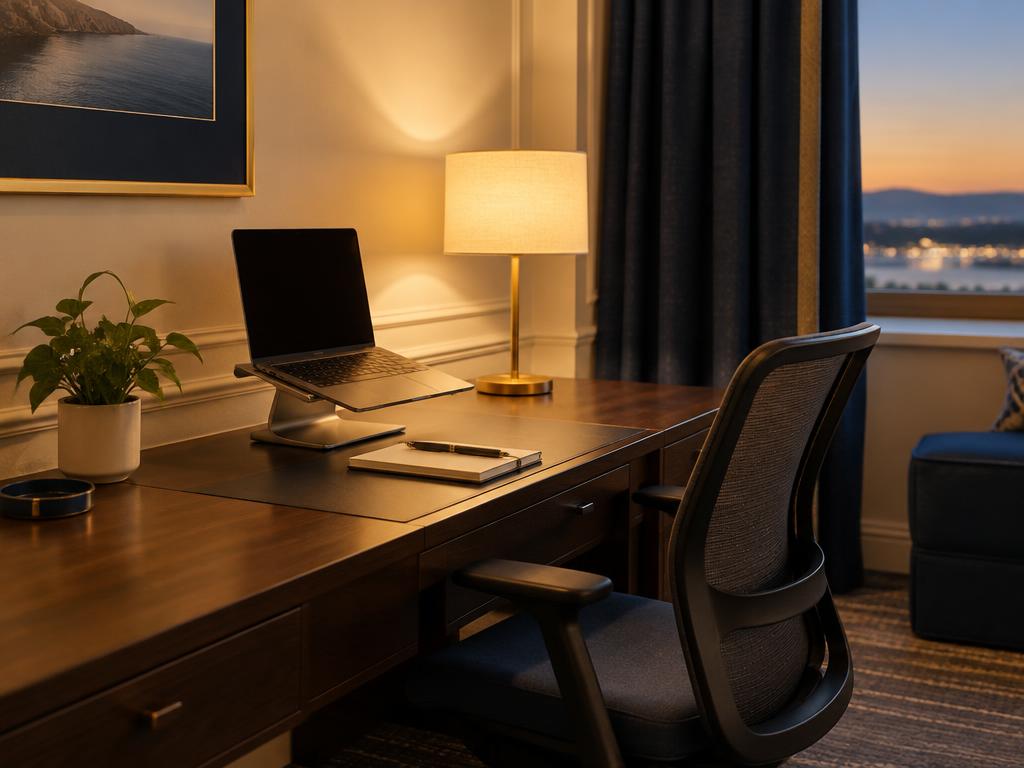
Pick the spot
Choose the surface with an outlet nearby and a wall or neutral background behind you for calls. Light should come from in front of or beside you, not behind.
Ergonomics with travel gear
- Raise the laptop so the top of the screen is near eye level (stand or stacked books) and use an external keyboard.
- Feet flat; use a folded towel or bag as a footrest if the chair is high.
- Add a pillow for lumbar support if the chair has none.
OSHA's computer workstation guidance is a useful reference for posture basics.
Call readiness
- Close curtains partially to reduce glare
- Turn off noisy AC during calls if possible
- Place 'Do not disturb' sign during meetings
- Test headset mic
The 30-minute arrival routine
- Minutes 0–10: pick the spot, unpack the tech kit completely, and claim outlets — a travel power strip turns one outlet into enough.
- Minutes 10–20: run a speed test at the desk and on your phone's hotspot, then join a test call and check your camera background and audio.
- Minutes 20–30: set the ergonomics — screen height, chair, footrest — and walk the hallway once to learn your noise sources (elevator, ice machine, stairwell).
Lighting that makes calls look right
Face the window when you can; daylight from in front flatters and needs no gear. After dark, put the room's brightest lamp behind your laptop, pointed at your face, and close the curtains — backlight is what makes hotel-room video look bad. If calls are most of your job, a clip-on light costs little and weighs almost nothing.
No desk? Build one anyway
In order of preference: the dining table; a dresser at standing height for part of the day; the ironing board as an adjustable standing desk (steadier than it sounds); and only then the bed — with the laptop on a stand and a real keyboard, never flat on the duvet.
End-of-day reset
Pack cables into one pouch each evening; it makes housekeeping easier and turns the room back into a place to rest.
Sources & methodology
We use official agencies and organizations for facts, and label examples and evidence types. We have not run independent speed tests or property inspections for this article.
Related reading
Work Setup
How to Find Hotels With a Real Desk and Office Chair
Search tactics, the exact message to send a property, and how to read room photos so you don't end up working from the bed.
6 min read
Work Setup
How to Choose a Quiet Hotel Room for Video Calls
How to get a hotel room quiet enough for video calls: the noise sources to map before booking, the exact room-location requests to make, arrival checks, and in-room acoustic fixes.
4 min read
Work Setup
Choosing a Portable Monitor for Remote Work Travel
A specification-based guide to picking a travel monitor — size, connection, power, weight, stand — without product rankings we haven't tested.
6 min read